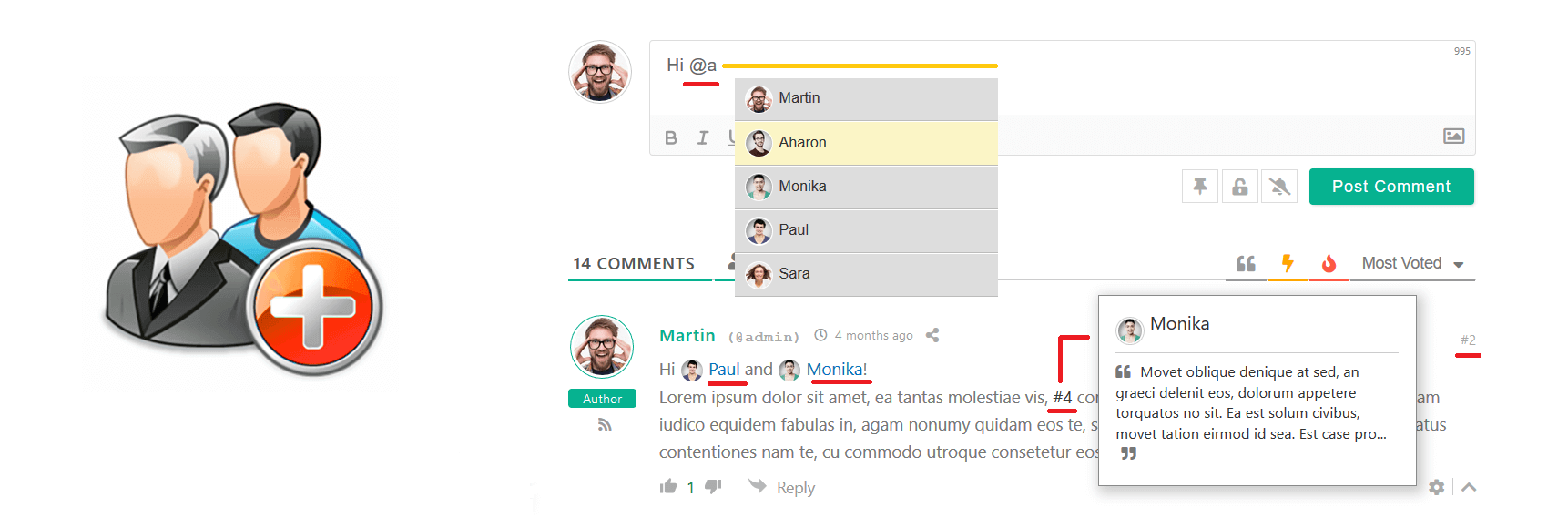
 wpDiscuz User & Comment Mentioning 允许使用 #comment-ID 和 @username 标记在评论文本中提及某些评论和用户。它带有用户搜索栏,因此您可以非常轻松地查找和标记任何用户/访客。它还显示每条评论的 #ID,以便您标记它们。所有提到的用户和评论作者都将收到电子邮件通知。
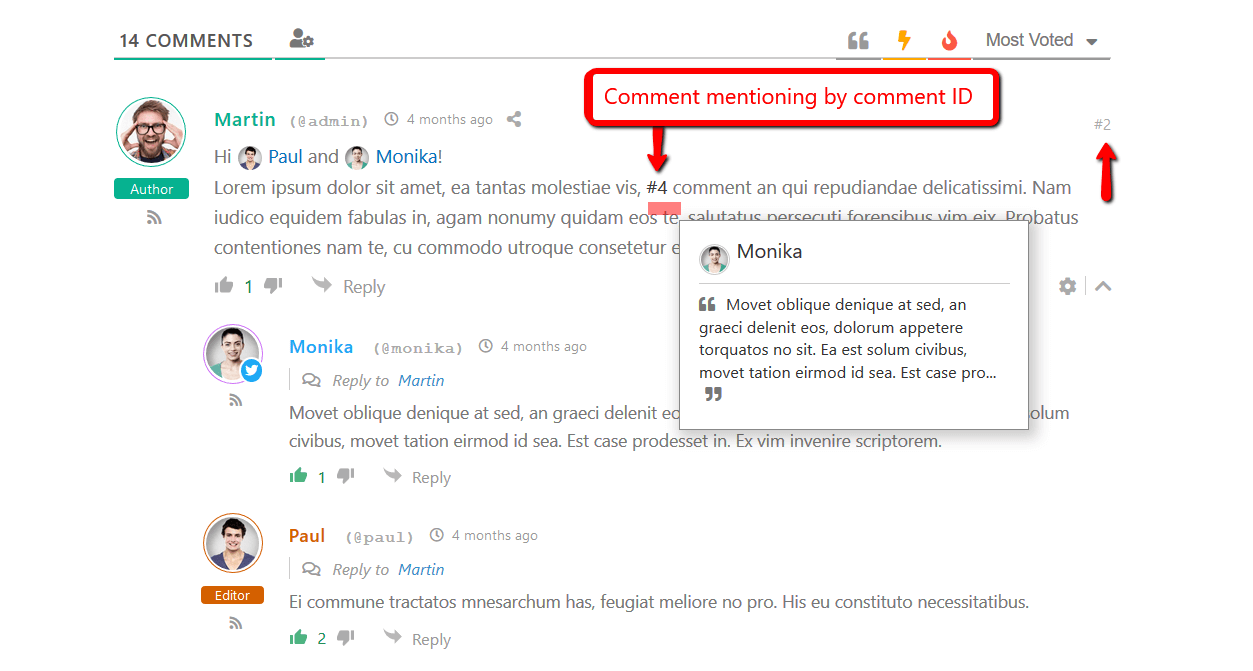
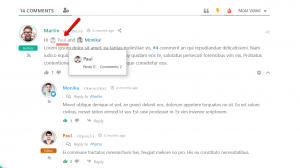
wpDiscuz User & Comment Mentioning 插件将 @author 和 #comment-id 替换为带有头像的链接。当您将鼠标悬停在 @author 和 #comment ID 链接上时,它会打开一个弹出窗口,其中包含用户和评论信息。请注意,必须为此插件启用评论富编辑器。
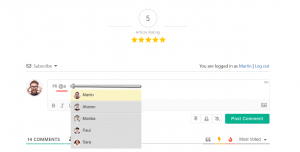
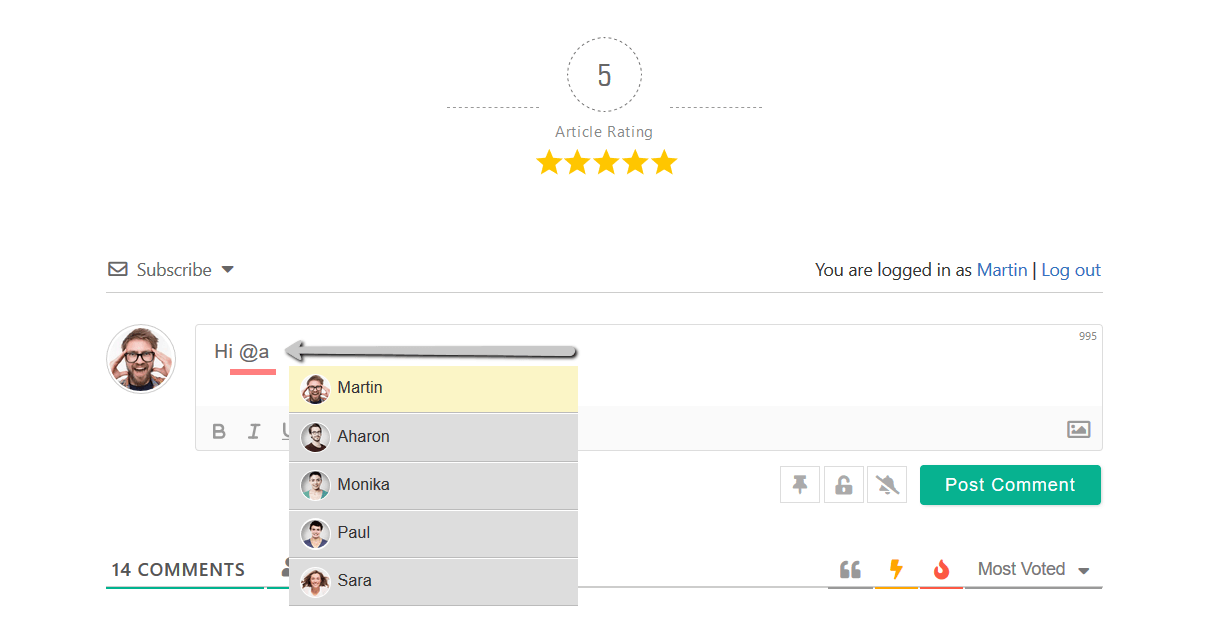
- 确保启用了评论丰富的编辑器,并插入 @ 符号,然后输入用户昵称,它会自动进行用户搜索并建议您提及用户。
- 评论发布后,将通过电子邮件通知所述用户他/她已在其他用户评论中被提及。
- 在评论列表中,此插件将 @username 标签显示为评论链接,鼠标悬停时,它会打开弹出窗口,其中包含提到的用户头像、姓名和其他信息。此外,一旦
- 您单击此链接,它就会转到用户页面。
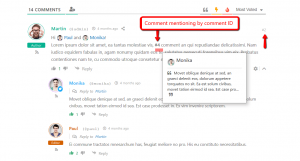
- 在每个评论的右上角添加按钮。它显示当前评论 ID,以便于复制和放入评论中,例如 #17。这将作为评论提及进行跟踪。
- 在评论中发布 #17 后,将通过电子邮件通知 #17 评论的作者他/她的评论已被其他评论提及。
- 在评论列表中,#17 将变为一个链接,鼠标悬停时,它会打开一个弹出窗口,其中包含评论作者信息和评论文本。此外,它会在点击时跳转到 原评论。
- 此插件具有管理、启用/禁用上述所有功能和组件的选项。
- 您可以通过后台设置页面自定义 “评论提及” 和 “用户提及” 邮件内容。它还允许启用/禁用电子邮件通知。